
Archivum Null: Send a File With a Link That Deletes Itself
Sending one sensitive file should not leave a permanent copy in two mailboxes; Archivum Null shares it through an encrypted link that expires.
TL;DR
Archivum Null is a browser-based file-sharing tool from White Ravens, our own project: no accounts, encrypted in the page before upload, and self-hostable. You pick a file, set a lifetime and a download limit, and send a link. When either runs out, the server deletes the file.
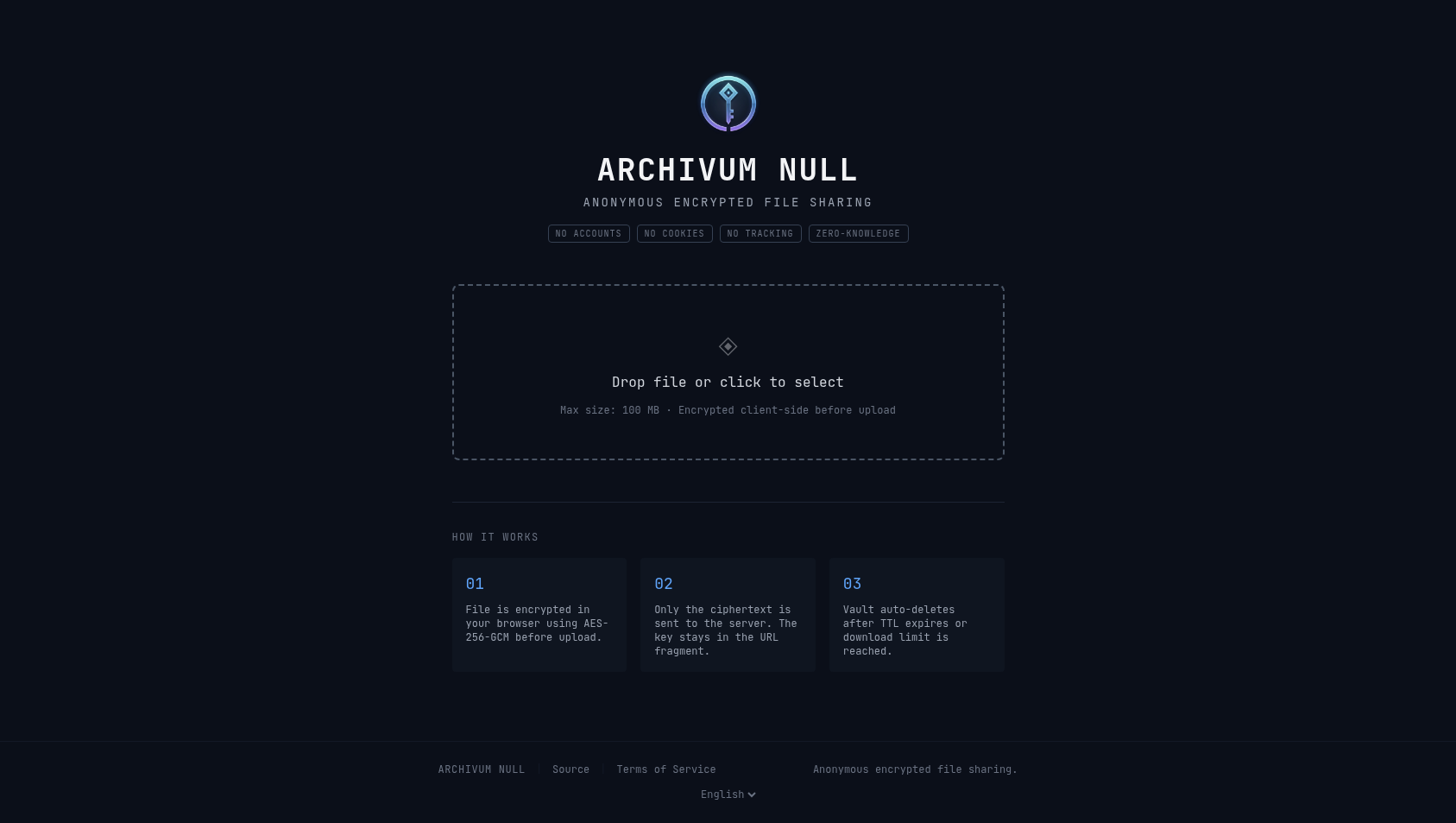 Image from the Archivum Null README, MIT.
The situation
You have to hand one file to someone who is not technical: an ID scan for a landlord, a signed contract, a payslip for a loan application. The usual way is an e-mail attachment or a chat message. The file then sits in your mailbox and in theirs for years, long after anyone needs it.
The alternatives tend to ask too much of the other person. A CLI tool needs to be installed on both ends, and a “secure” web uploader often wants everyone to sign in. For a landlord or a loan officer, either is a reason to fall back on e-mail.
What you do with it
The sender does three things, the recipient one.
- Open the page and pick the file.
- Choose how long the link should live and how many downloads it allows.
- Send the link to the recipient over a channel you trust.
- The recipient opens the link in a browser and downloads the file. They install nothing and create no account.
When the time runs out or the downloads are used up, the file is gone from the server. Nothing stays in anyone’s mailbox except a dead link.
Why it works for this
The server cannot read the file. The page encrypts the file in the browser with AES-256-GCM before anything is uploaded. The original filename and file type are encrypted inside the blob too. The link has the form /vault/{id}#KEY.FILENAME, and the key is the part after the #. Browsers never send that part of a URL to the server, so the key reaches the recipient only through the link you share.
The server keeps very little. For each file it holds the encrypted blob, a random vault ID, the creation and expiry times, and the download count and limit. It does not see the contents, the real filename or the file type, and it keeps no log of IP addresses: rate limiting counts requests in memory only.
Deletion is part of the design. When a link expires or its downloads run out, the server deletes the blob and its metadata.
The defaults are 100 MB per file and a link that lives 24 hours, 7 days at most. Whoever runs an instance can change these with MAX_FILE_SIZE, DEFAULT_TTL and MAX_TTL, so the figures describe the defaults, not every instance.
What it does not do
Anyone who gets the link can open the file, so the link has to travel over a channel you trust, and a download limit of one is a sensible habit for anything sensitive. A compromised device on either end is out of scope: the key sits in browser memory and in the address bar, where an extension or malware can read it. And zero-knowledge holds only while the server serves honest code. A compromised server could serve a modified page that leaks the key. We list these in the project’s threat model as threats we do not mitigate; if your adversary is that capable, use a dedicated offline encryption tool.
Try it
Start with the live demo at archivum.wrservices.link. It needs no install and no signup, and it runs the same image you would self-host. Uploads there expire automatically.
If you want your own copy, the local quickstart needs only Docker:
git clone https://github.com/whiteravens20/archivum-null.git
cd archivum-null
docker compose -f docker-compose.quickstart.yml up -d
Then open http://127.0.0.1:3000 in your browser. This setup ships with a default admin password, quickstart-change-me. Change it before any real use. For anything beyond your own machine, the production checklist in the repository covers the reverse proxy, the private tunnel and hardening, and docs/CONFIGURATION.md lists every setting.